

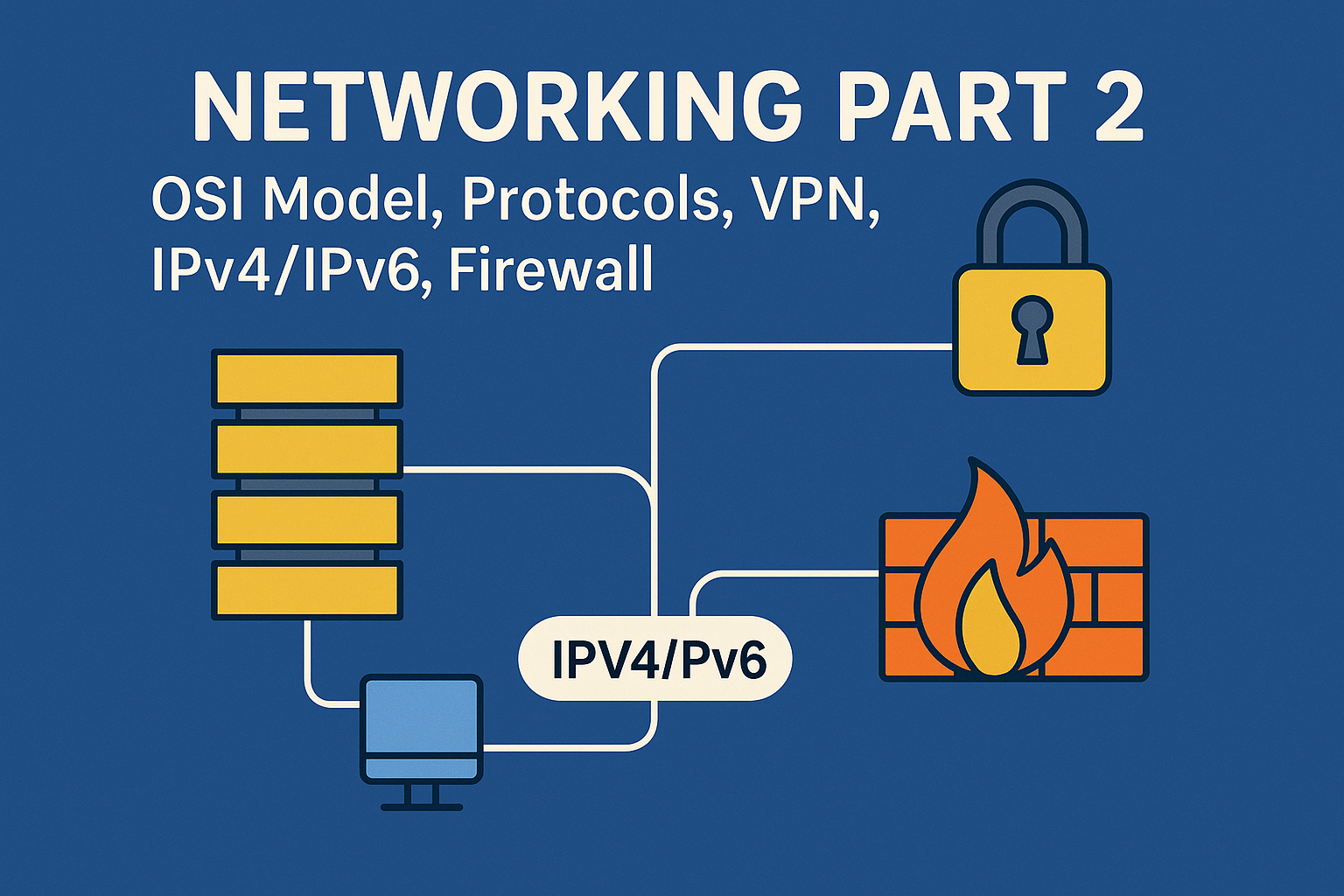
OSI Model – 7 Layers
Socho tum ek letter likhte ho aur post office ke through bhejte ho. Us letter ko destination tak pahuchne ke liye kai stages se guzarna padta hai — likhna, envelope me daalna, stamp lagana, post office jana, delivery, aur finally receiver tak pahuchna. Yahi kaam computer networks me OSI Model karta hai.
OSI (Open Systems Interconnection) Model ek conceptual framework hai jo network communication ko 7 layers me divide karta hai:
- Physical Layer: Ye layer actual hardware transmission se deal karti hai — cables, switches, voltages.
- Data Link Layer: Ye layer data packets ko frames me convert karti hai aur MAC addresses ka use karti hai.
- Network Layer: Ye layer data ko source se destination tak route karti hai using IP addresses.
- Transport Layer: Ye layer data transmission ke reliability aur flow control ko manage karti hai.
- Session Layer: Ye layer sessions ko establish, manage, aur terminate karti hai between applications.
- Presentation Layer: Ye layer data ko encrypt, decrypt, compress, aur decompress karti hai.
- Application Layer: Ye layer end-user applications ke sath interact karti hai — jaise web browsers, email clients.
Har layer ka apna specific function hota hai aur ye layers ek dusre ke sath interact karke data transmission ko possible banati hai.
Network Protocols – Communication Ke Rules
Protocols wo rules hote hain jo define karte hain ki data kaise transmit hoga, receive hoga, aur process hoga network me. Kuch common protocols:
- HTTP (HyperText Transfer Protocol): Web pages ko load karne ke liye use hota hai.
- HTTPS: Secure version of HTTP, jisme data encryption hoti hai.
- FTP (File Transfer Protocol): Files ko transfer karne ke liye use hota hai.
- TCP (Transmission Control Protocol): Reliable data transmission ensure karta hai.
- UDP (User Datagram Protocol): Faster but less reliable data transmission ke liye use hota hai.
- IP (Internet Protocol): Data packets ko route karta hai source se destination tak.
Ye protocols ensure karte hain ki data sahi tarike se aur sahi jagah pahuche.
VPN – Virtual Private Network
Socho tum ek public Wi-Fi use kar rahe ho aur chahte ho ki tumhara data secure rahe. Yahan VPN ka use hota hai.
VPN ek secure tunnel create karta hai tumhare device aur internet ke beech, jisse tumhara data encrypted hota hai aur hackers se safe rehta hai.
Benefits of VPN:
- Public Wi-Fi pe security
- Geo-restricted content access
- Online anonymity
Pv4 vs IPv6 – Internet Addresses
Har device ka ek unique address hota hai jise IP Address kehte hain.
- IPv4: 32-bit address, e.g., 192.168.1.1.
- IPv6: 128-bit address, e.g., 2001:0db8:85a3:0000:0000:8a2e:0370:7334.
IPv6 zyada addresses provide karta hai aur future ke liye scalable hai.
Firewall – Network Ka Security Guard
Firewall ek security system hai jo incoming aur outgoing network traffic ko monitor karta hai aur unauthorized access ko block karta hai.
Types of Firewalls:
- Hardware Firewall: Physical device jo network ke entry point pe hota hai.
- Software Firewall: Computer me installed program jo traffic ko monitor karta hai.
Firewalls ensure karte hain ki malicious traffic network me enter na kare.
Client-Server Architecture
Socho tum Google pe kuch search karte ho. Tumhara browser ek client hai jo request bhejta hai aur Google ka server response deta hai.
Client-Server Architecture me client requests send karta hai aur server responses provide karta hai.
Is architecture ka use web browsing, email services, aur online gaming me hota hai.
7. TCP/IP Model – Internet Ka Backbone
TCP/IP Model 4 layers ka model hai jo internet communication ke liye use hota hai:
- Application Layer: User applications ke sath interact karta hai.
- Transport Layer: Data transmission ke reliability ko ensure karta hai.
- Internet Layer: Data packets ko route karta hai.
- Network Access Layer: Physical network hardware se interact karta hai
click here for computer networking part 1




One thought on “Networking Part 2: OSI Model, Protocols, VPN, IPv4/IPv6, Firewall”